
Image to 3D Model Generator
Convert any photo into a detailed 3D model with AI. A 2D to 3D converter for 3D printing, games, VR/AR and design. No 3D scanner or modeling skills required.

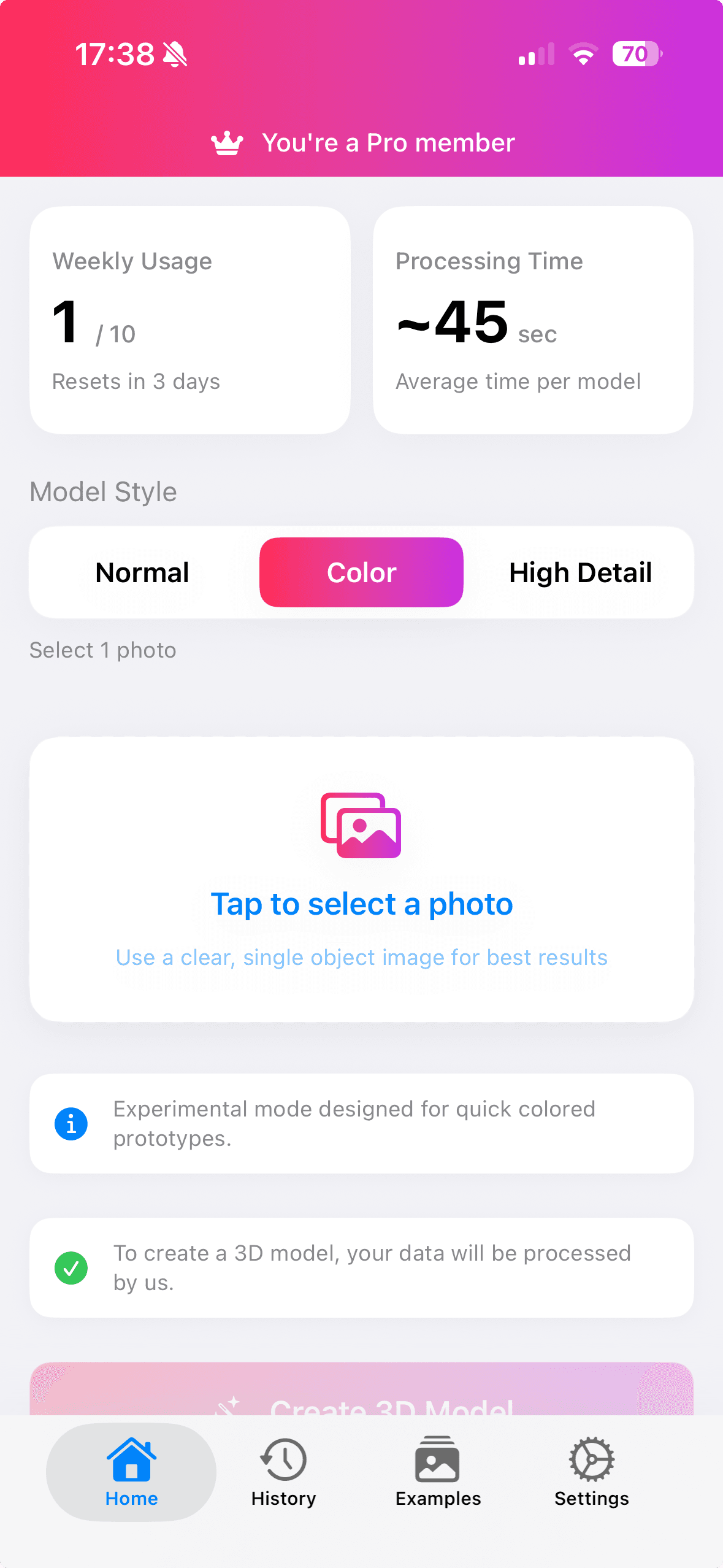
How to Convert an Image to a 3D Model
Turn a single photo into a print-ready 3D model in three simple steps, powered by AI. No experience needed.
- 1
Upload a photo
Pick any 2D image or snap a picture. No 3D scanner, rig or special hardware needed.
- 2
AI generates the 3D model
The AI reconstructs depth, geometry and texture to build a detailed 3D model in seconds.
- 3
Export & use anywhere
Download your model as OBJ, FBX, GLTF or USDZ for 3D printing, games, AR/VR and design.
The Ultimate 3D Model Maker
Create 3D models from any 2D image. Perfect for games, VR/AR, 3D printing, and digital art.
Fast 3D Scanner
Create 3D models in seconds
Game Ready
For any game engine
Multi Export
OBJ, FBX, GLTF, USDZ
High Resolution
Detailed part modeling
What Can You Build With Your 3D Models?
From 3D printing to game assets, the photo to 3D converter fits any creative workflow.
3D Printing
Turn photos into printable, watertight meshes ready to slice and print.
Game Development
Create game-ready 3D assets for any game engine.
AR / VR
Generate USDZ models for augmented reality and immersive experiences.
E-commerce
Build 3D product models from a single product photo.
Digital Art & Design
Prototype sculptures, characters and props from reference images.
Education
Bring lessons to life with interactive 3D models from any picture.
Frequently Asked Questions
Everything you need to know about turning photos into 3D models.
How do I convert an image to a 3D model?+
Open the app, upload any photo or 2D image, and the AI reconstructs a detailed 3D model in seconds. You can then preview, refine and export the model to OBJ, FBX, GLTF or USDZ.
Is this a good 2D to 3D converter app?+
Image to 3D Model Generator is an AI-powered 2D to 3D converter that turns a single photo into a game-ready, 3D-print-ready model without any 3D modeling experience.
Can I use the generated 3D models for 3D printing?+
Yes. Every model is exported as a clean, watertight mesh (OBJ, FBX, GLTF or USDZ) that is ready to slice and 3D print, or to drop straight into a game engine or AR/VR project.
What file formats can I export 3D models to?+
You can export your 3D models to OBJ, FBX, GLTF and USDZ, the standard formats used by popular 3D design software, game engines and augmented reality apps.
Do I need a 3D scanner to create 3D models?+
No hardware or 3D scanner is required. The app uses AI to generate a 3D model from an ordinary photo taken with your phone, so any picture becomes a 3D model.
How does the image to 3D conversion work?+
The app analyses your photo with AI, infers depth and geometry, and applies texture to build a 3D mesh automatically, with no manual modeling required.

Create 3D Models Today
Transform any image to 3D instantly with AI.